Actualités du secteur
Dernières actualités et solutions sur l’industrie des roulements


Dernières actualités et solutions sur l’industrie des roulements
When most people think about printer design, they focus on print resolution, print speed, ink cost, or wireless connectivity. Very few engineers or procurement teams stop to consider the tiny bearings that sit inside every roller, spindle, and carriage — yet these miniature components are what determine whether a printer runs quietly for five years or starts squeaking, jamming, and eating paper within five months.
For original equipment manufacturers (OEMs) building inkjet printers, laser printers, thermal printers, label printers, or 3D printers, selecting the right precision miniature bearing is not a detail. It is a decision that directly affects print quality, noise levels, service life, and warranty cost. This article explains where miniature bearings live inside a printer, what performance standards they must meet, why standard catalog bearings often disappoint, and how custom-made bearings solve problems that off-the-shelf parts cannot.
A printer looks simple from the outside, but inside it is a tightly choreographed mechanical system. Paper moves along a path measured in fractions of a millimeter. The fuser heats up to 180–220°C. The printhead carriage oscillates hundreds of times per minute. Dust from paper fibers, toner particles, and office air is everywhere.
Under these conditions, a bearing has to do five things at once:
Rotate with extremely low, consistent torque — the motor can only deliver so much torque, and any extra friction means slower pages, jams, or premature motor failure.
Run quietly — office and home users will reject a printer that squeaks or buzzes, even if the print quality is excellent.
Survive tens of thousands of hours — a small office printer may run for five years; a commercial printer may run around the clock.
Resist paper dust and toner — contamination is the #1 cause of bearing failure in printers.
Fit into extremely tight spaces — modern printer housings are thin, and every millimeter counts.
A bearing that looks fine on a catalog page can fail all five of these tests inside a real printer.
To understand bearing selection, it helps to map the main bearing positions.
The pickup roller and separation roller pull paper from the tray. Each roller shaft rotates on a pair of miniature bearings, typically with bore diameters between 2 mm and 6 mm. Even a small amount of wobble here causes skew — paper enters at an angle, and the page comes out crooked or jams.
The fuser is the hottest, most stressed location in the entire printer. The heated roller and pressure roller rotate continuously at temperatures up to 220°C. Bearings near the fuser must:
Hold dimensional stability at high temperature;
Use heat-resistant lubricants;
Avoid thermal expansion that would seize the shaft.
Stainless steel bearings or ceramic-coated bearings are often specified here.
In laser printers, the developer roller and photo-conductive drum rotate on tiny bearings, often with flanged outer rings to keep the cartridge aligned. Runout here directly affects print density and banding.
After fusing, the paper passes through a series of exit rollers. These run cooler but spin constantly. Noise and long-life are the main requirements.
In inkjet printers, the printhead slides along a guide rod. The small pulleys that drive the timing belt, and the idler rollers on the guide shaft, all rely on miniature ball bearings. Any play in these bearings causes vertical banding — visible stripes on photos and graphics.
Barcode printers, receipt printers, and shipping-label printers have their own bearing challenges. They run in warehouses and retail environments, where dust, humidity, and temperature swings are far harsher than in an office.
Office printers are expected to operate below 50 dB(A). A bearing with poor radial clearance or a rough ball finish will produce an audible whine that customers notice immediately. Printer bearings are usually selected from ABEC-5 or higher tolerance grades, with specifically controlled vibration levels.
Printer stepper motors are small and energy-efficient. They cannot overcome a stiff bearing. A miniature bearing for printers typically needs starting torque below a few grams-force-centimeter, and running torque must stay constant over the bearing's whole life.
A home printer might print a few hundred pages a month. A commercial MFP can print tens of thousands. The bearing must keep spinning without lubrication breakdown, brinelling, or noise onset for the rated life of the machine — often 5,000 to 20,000 hours depending on the segment.
Paper dust and toner are abrasive. Standard rubber seals are not always enough. Printer bearings often use non-contact rubber seals or shielded metal shields to balance sealing against friction. In especially dirty environments, custom labyrinth seals can be designed.
Bearings near the fuser need lubricants rated above 200°C. Grease chosen for low-temperature office use will liquefy or carbonize near the fuser, causing either leakage or seizure.
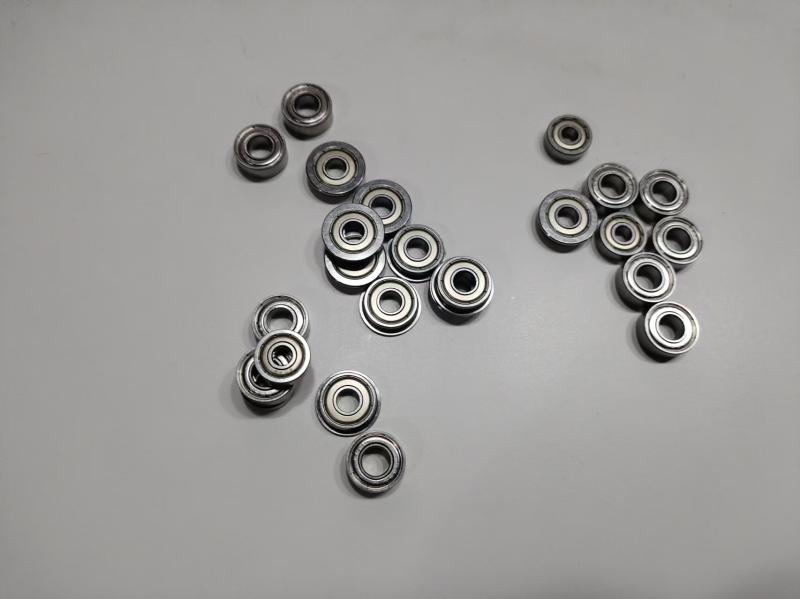
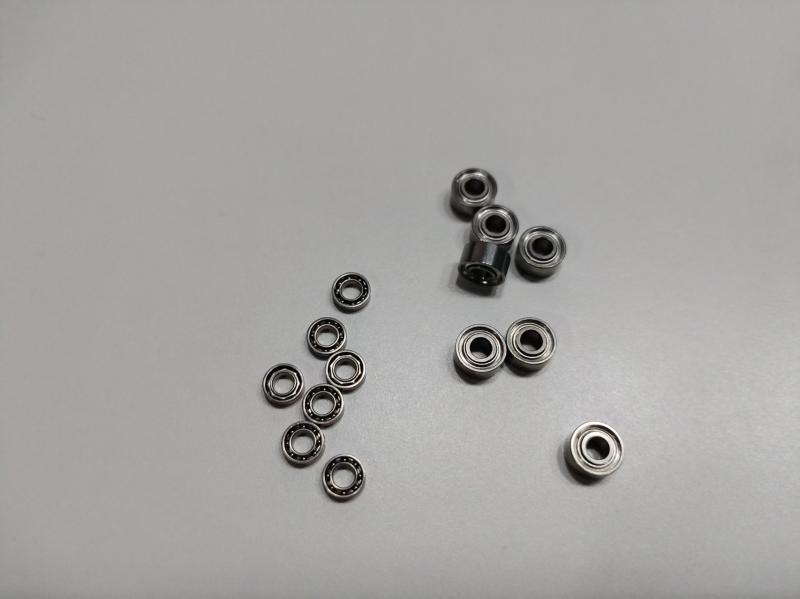
Most printer bearings have bores under 6 mm, outer diameters under 13 mm, and widths under 5 mm. The 68 series, 69 series, and 60 series — especially the miniature variants — are the workhorses, but custom dimensions are extremely common.
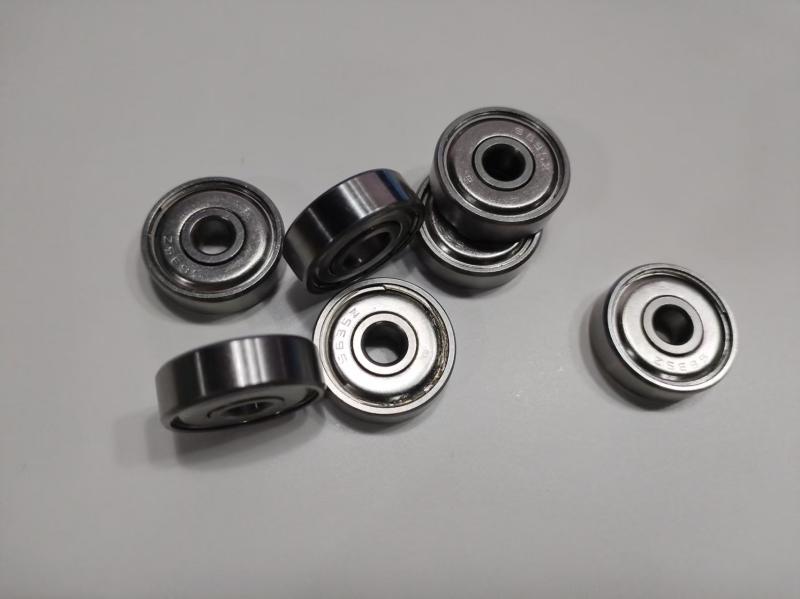
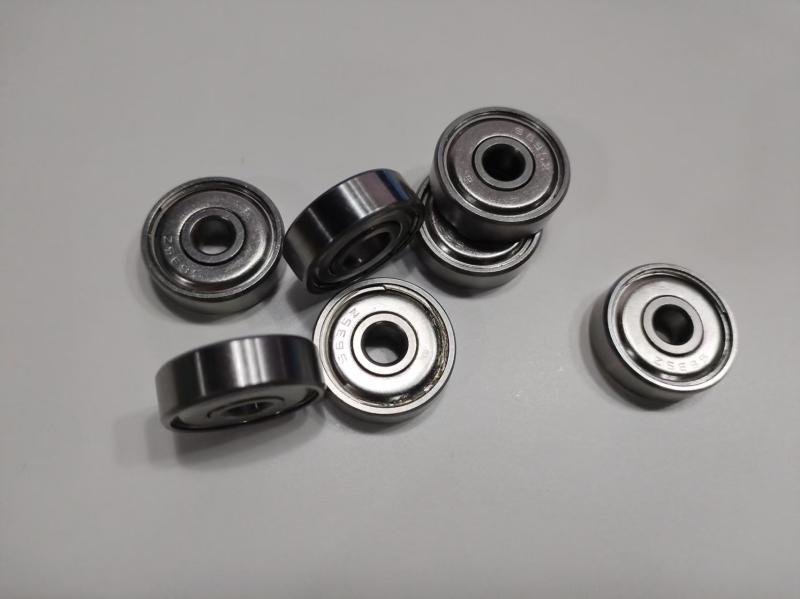
The default choice. Single-row, shielded or sealed, with steel or stainless rings. Used everywhere from pickup rollers to exit rollers.
A flange on the outer ring lets the bearing snap into a plastic housing without extra retaining clips. Very common in cartridges and small roller assemblies.
In low-cost, low-life printers, sintered bronze or plastic sleeve bearings reduce cost. They are acceptable for short-life home devices but cannot match ball bearing life in commercial hardware.
Specified near the fuser, in printers used in humid warehouses, or in medical-grade printers where washdown is required.
For the most demanding 3D printer spindles or high-speed label printers, ceramic balls reduce heat, noise, and electrical conduction.
Printer engineers quickly learn that off-the-shelf catalog bearings rarely fit perfectly. The most common complaints are:
Custom outer diameter or inner bore that the catalog does not list;
Special noise grade that standard production cannot guarantee;
Specific lubricant required for fuser temperature or food-contact label printing;
Flange dimensions that clash with the plastic injection-molded housing;
MOQ too high for a mid-size printer manufacturer who needs 5,000–20,000 pieces per year;
Lead time too long when a catalog supplier quotes 12 weeks.
This is exactly where a custom miniature bearing manufacturer earns its place.
At Jakstar Bearing, we specialize in non-standard miniature bearings for printer and office-equipment OEMs. We work from your drawing, your sample, or even just your envelope dimensions — and we produce bearings that match the friction, noise, life, and housing geometry your printer requires.
Our printer-focused capabilities include:
Bore diameters from 1 mm to 30 mm;
Custom inner ring, outer ring, and flange dimensions;
Steel, stainless, and hybrid ceramic options;
Heat-resistant grease for fuser units;
Low-noise, low-torque internal specifications;
Shielded, sealed, or custom labyrinth seals;
Short production runs from a few thousand pieces per year.
Whether you are designing a new home inkjet, a high-speed laser MFP, a thermal label printer, or an industrial 3D printer, we can manufacture the bearing that your current supplier says "is not in our catalog."
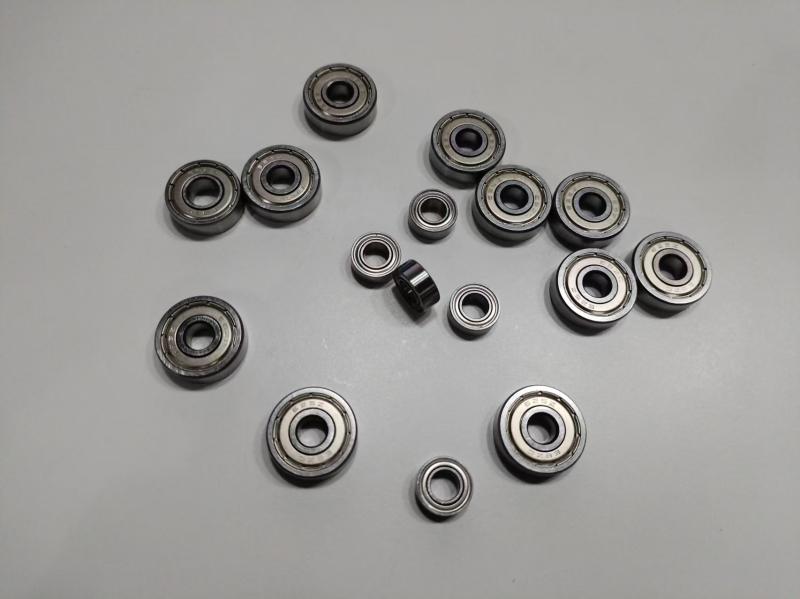
The best way to evaluate a custom bearing is to run it in your own machine. Send us your drawing or a sample unit, and we will manufacture a free test batch for your engineering team to install and measure. We encourage you to test:
Running noise against your current supplier;
Torque consistency over break-in and long-run cycles;
Paper-feed alignment and jam rate;
Bearing temperature near the fuser;
Accelerated life in your test chamber.
Only after your engineers sign off do we move to serial production.
A printer is only as smooth as its smallest bearings. The right miniature bearing eliminates squeaks, prevents paper jams, stabilizes print quality, and extends the machine's warranty life. The wrong one, even if it fits the catalog dimensions, will quietly cause field failures that no marketing budget can fix.
If your current supplier is turning down your printer bearing drawings, or if you are paying too much for imported catalog bearings with long lead times, talk to Jakstar. We make the miniature bearings that standard suppliers cannot — and we will send you a free sample to prove it.